
Copier King - the photocopier experts

01892 597150 (Kent) | 01273 289002 (East Sussex)

Office Printing Glossary: Key Terms Explained for Multifunction Printers and Print Technology

In the diverse world of office printing, understanding the terms associated with multifunction printers (MFDs) and printing technology can significantly enhance productivity and document management. This article serves as a comprehensive glossary, elucidating essential terms and concepts that every office should be familiar with. Key topics will include multifunction printer functionalities, core printing technologies like laser and inkjet, important specifications, and evolving terminology shaped by modern advancements. By mastering this printing glossary, office professionals can streamline their workflow and improve communication in tech-heavy environments.

What are the Essential Multifunction Printer Terms Every Office Should Know?

Multifunction printers, often referred to as MFDs, combine various office tasks into one device, including printing, scanning, copying, and sometimes faxing. This integration not only saves space but also enhances productivity by simplifying office operations. Understanding the essential terms associated with MFDs is vital for anyone working in an office setting.

How do Multifunction Devices Combine Printing, Scanning, and Copying Functions?

Multifunction devices enhance productivity by consolidating several functions in one machine. Users can print documents, scan hard copies, and make copies without switching devices, streamlining workflows significantly. This combination allows for efficient use of resources and reduces the time spent on administrative tasks, which is critical in a fast-paced office environment.

Which Synonyms and Related Names Refer to MFDs in Office Printing?

In the printing industry, MFDs are known by various names, including all-in-one printers and multifunction printers. Understanding these synonyms is important for reducing confusion and ensuring clarity in communication, especially when discussing equipment with vendors or service providers. Recognising the terminology can also aid in understanding the capabilities and features of the devices in use.
What Are the Core Printing Technology Terms: Laser, Inkjet, and Digital Printing Explained?

The realm of office printing is primarily defined by technologies such as laser and inkjet. Each of these technologies has unique characteristics and advantages suited for different printing needs.

How Does Laser Printing Technology Work and What Are its Advantages?

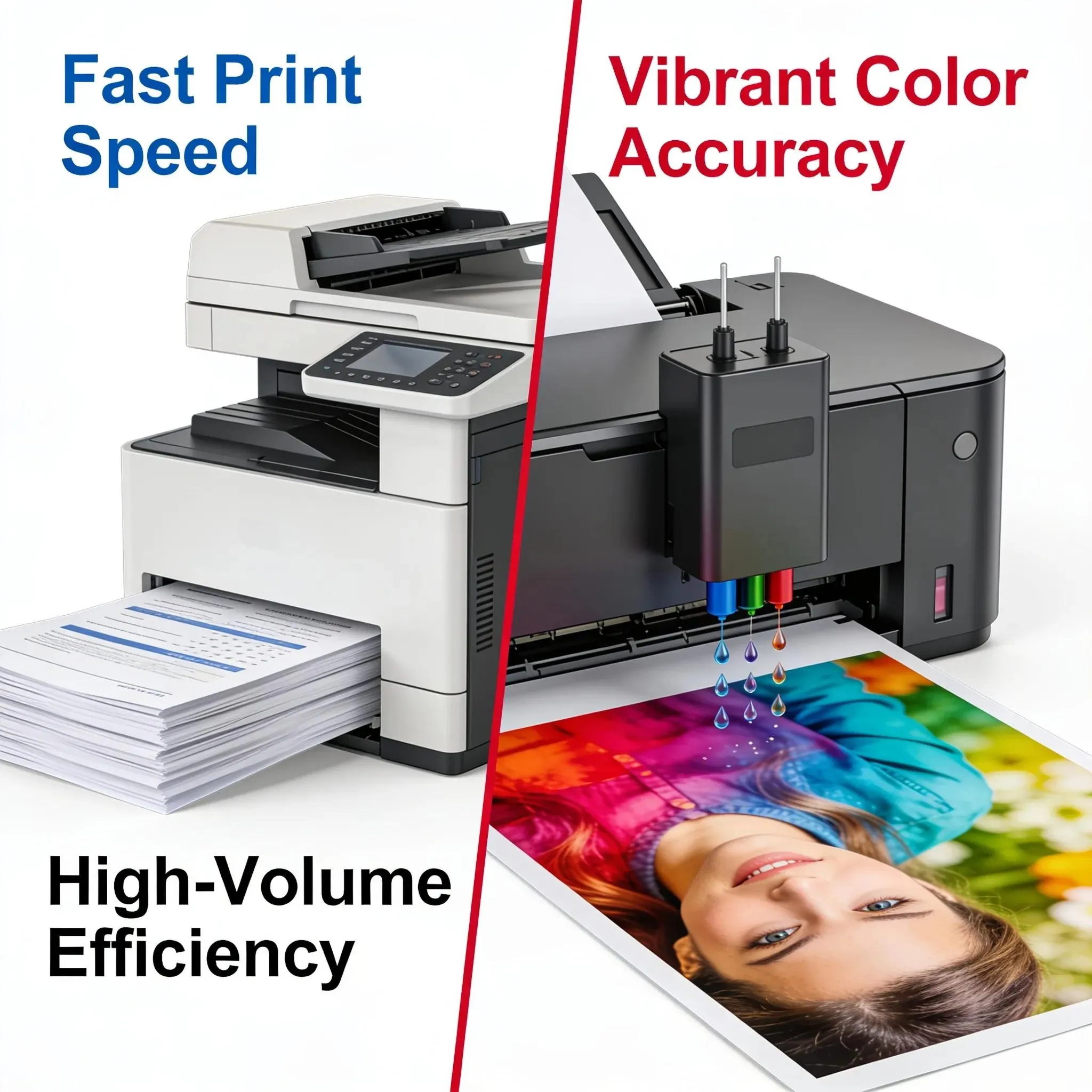
Laser printing technology employs a laser beam to produce high-quality text and graphics. The process involves charging a drum with static electricity, which attracts toner and then transfers it onto paper. Advantages of laser printers include rapid printing speeds and lower costs for high-volume printing, making them ideal for busy offices that require efficiency and quality.

What Defines Inkjet and Emerging Printing Technologies in Office Equipment?

Inkjet printing functions by spraying tiny droplets of ink onto paper through microscopic nozzles. This technology is often more versatile than laser printers, allowing for high-quality image printing. Emerging technologies, such as digital printing, are also reshaping the landscape by providing quicker turnaround times and more customisation options, allowing businesses to meet specific printing needs.

Which Printer Specifications and Attributes Impact Office Printing Performance?

Knowing key printer specifications is crucial for understanding how well a printer can perform in an office setting. These terms include print speed, resolution, and duplex printing.

What Do Terms like Print Speed, Resolution, and Duplex Mean in Practical Use?

Print speed refers to the number of pages a printer can produce in a minute, impacting overall productivity in an office. Resolution determines the clarity of the printed images, typically measured in dots per inch (DPI). Duplex printing allows printers to automatically print on both sides of a page, saving paper and reducing costs. These specifications are vital for choosing the right printer for specific office needs.

How Are Technical Attributes Measured and Compared Across Printer Models?

Technical attributes such as print speed and resolution are measured using standard industry metrics, which allow for easy comparison across different printer models. These measurements help businesses assess options based on their printing demands to find the device that best meets their requirements while providing the best value for their investment.

How Does Understanding Office Equipment Usage Terms Improve Document Management?

A solid grasp of office equipment terminology can enhance document management by facilitating better communication among office staff, reducing misunderstandings, and ensuring everyone is aligned on processes.

What Are Key Scanning and Copying Concepts Relevant to MFD Operation?

Important concepts related to scanning and copying include resolution, colour depth, and scanning speed. High resolution in scanning is essential for preserving the detail and quality of documents. Understanding these terms helps staff effectively utilise MFDs to manage documents and improve overall productivity.

How Do Terminology Definitions Relate to User Efficiency and Workflow?

The definitions of crucial terms directly correlate with user efficiency. Clear comprehension of terminology can lead to smoother workflows as staff make less frequent errors and communicate more effectively. When everyone understands key terms, operational efficiencies are likely to improve, enhancing overall productivity.

What Emerging and Advanced Printing Concepts Are Shaping Modern Office Glossaries?

As technology advances, new terms and concepts are continually shaping the vocabulary surrounding office printing. This evolution reflects growing trends such as the integration of smart devices and cloud-based printing solutions.

How Are Smart MFDs and IoT Features Changing Office Printing Terminology?

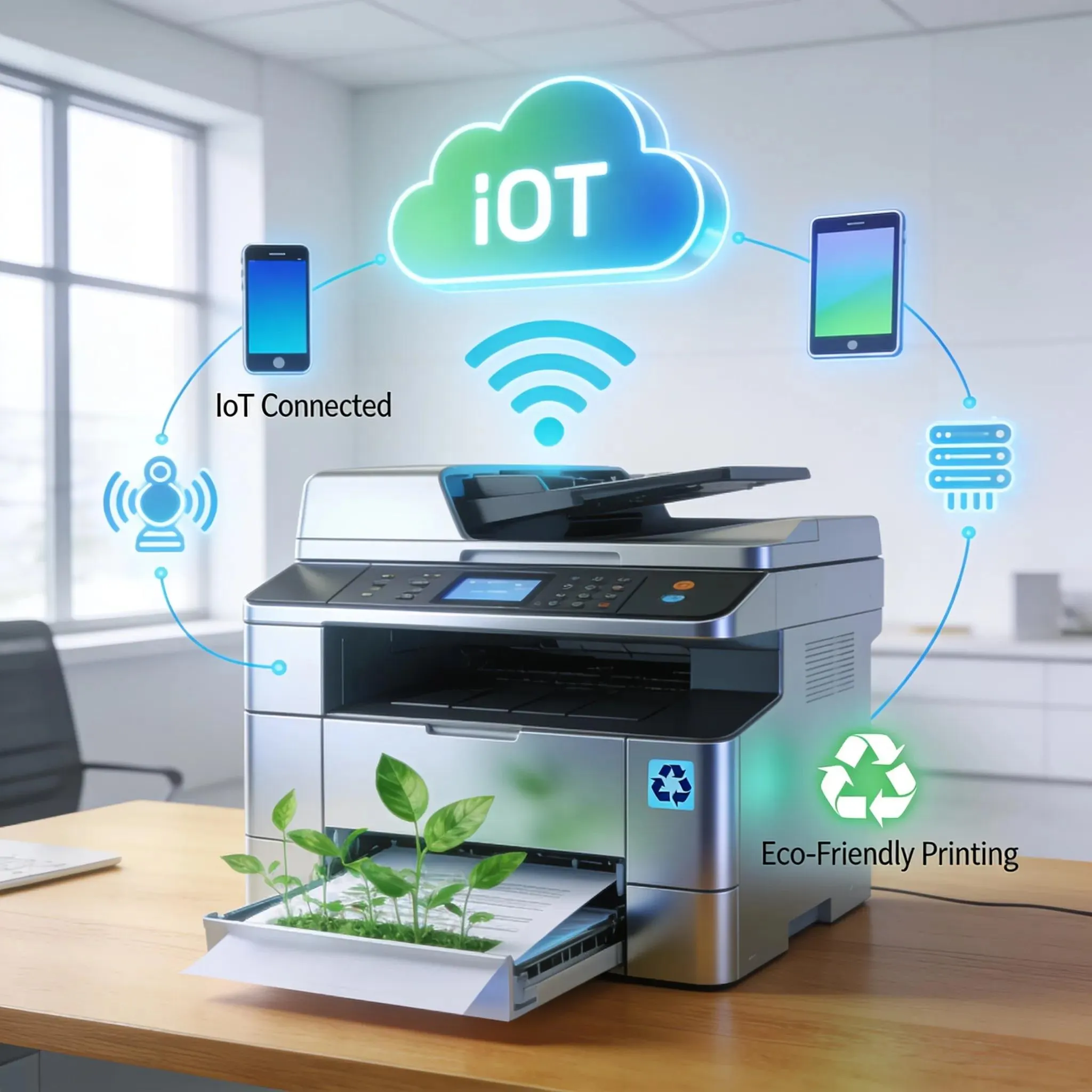
Smart MFDs equipped with Internet of Things (IoT) features allow for remote monitoring and management, further enhancing the flexibility of office printing. This technology not only streamlines operations but also introduces new vocabulary as businesses adapt to these innovative tools, requiring employees to familiarise themselves with these advancements.

What Are the Environmental and Cloud-Managed Printing Terms to Know?

With growing concerns over sustainability, terminology regarding environmentally friendly practices in printing, like recyclable cartridges and energy-efficient models, has gained prominence. Cloud-managed printing solutions also play a significant role by enabling businesses to manage their printing resources more effectively while reducing waste.

Which Frequently Asked Questions Clarify Common Misconceptions in Office Printing Glossaries?

Understanding frequently asked questions about printing terminology can dispel prevalent misconceptions that hinder effective office printing practices.

What Does MFD Mean in Office Printing Contexts?

MFD, or Multifunction Device, refers to a printer that can perform multiple functions, primarily printing, scanning, copying, and sometimes faxing, within a single unit. This versatility is crucial for many offices, highlighting the importance of understanding such foundational terminology.

How Can Understanding Duplex and Other Terms Save Office Costs?

Recognising the meaning and benefits of terms like duplex printing can help businesses significantly reduce their printing costs. By promoting double-sided printing, offices can cut their paper consumption by nearly half, contributing to both financial savings and environmental sustainability initiatives.